24-hour kiosk check-in guide
Yanolja Cloud 「Y Kiosk」 — find booking → verify ID on camera → get key card
Hotel AMY uses a Yanolja Cloud 「Y Kiosk」 self check-in machine in the 1F lobby. Follow the steps below. On-screen labels may vary by software version—please follow the kiosk prompts on site.
Same model demo video
News Tomato — Yanolja Cloud Y Kiosk demo: name lookup → room confirm → ID scan → key & receipt.
Prepare before check-in
- 1Booking QR code or reservation number from your confirmation message/app
- 2Guest name exactly as entered at booking
- 3ID: physical Korean resident ID / driver’s license, mobile (electronic) ID, or passport for foreign guests
- 4Check-in 15:00–16:00
Where to look on the machine
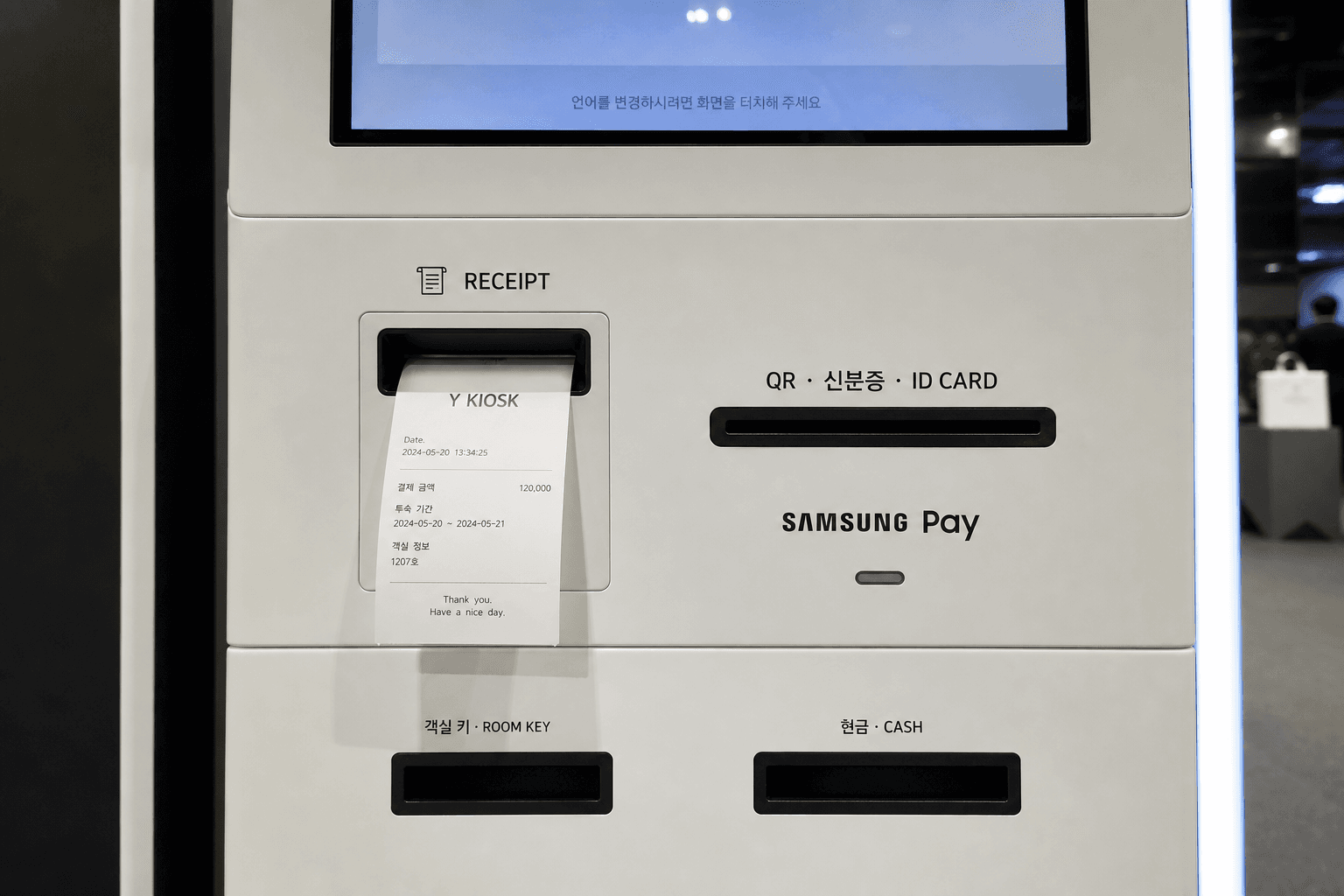
- •ID camera (bottom-right of the screen) — hold your ID/passport or mobile ID QR there so it appears on screen (OCR). Do not insert the card into a slot.
- •QR · ID CARD (below screen) — mainly for booking QR codes
- •ROOM KEY — key card comes out here
- •RECEIPT — receipt comes out here
Check-in steps
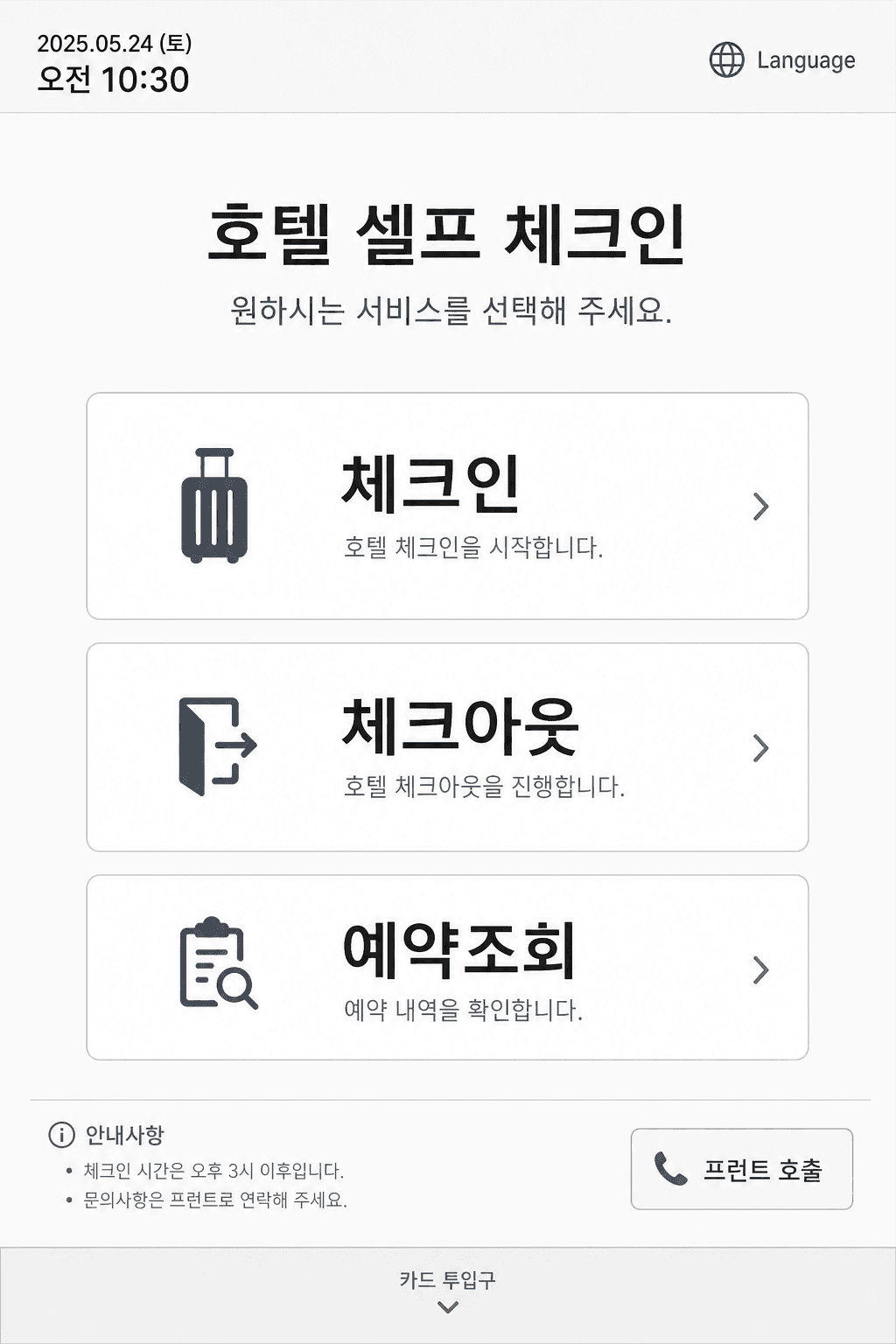
Example home screen
1. Tap Check-in on the home screen
On the lobby kiosk, select Check-in. Choose your language first if prompted.
- -Use Check-out when leaving.
- -If the screen is dark, tap once to wake it.
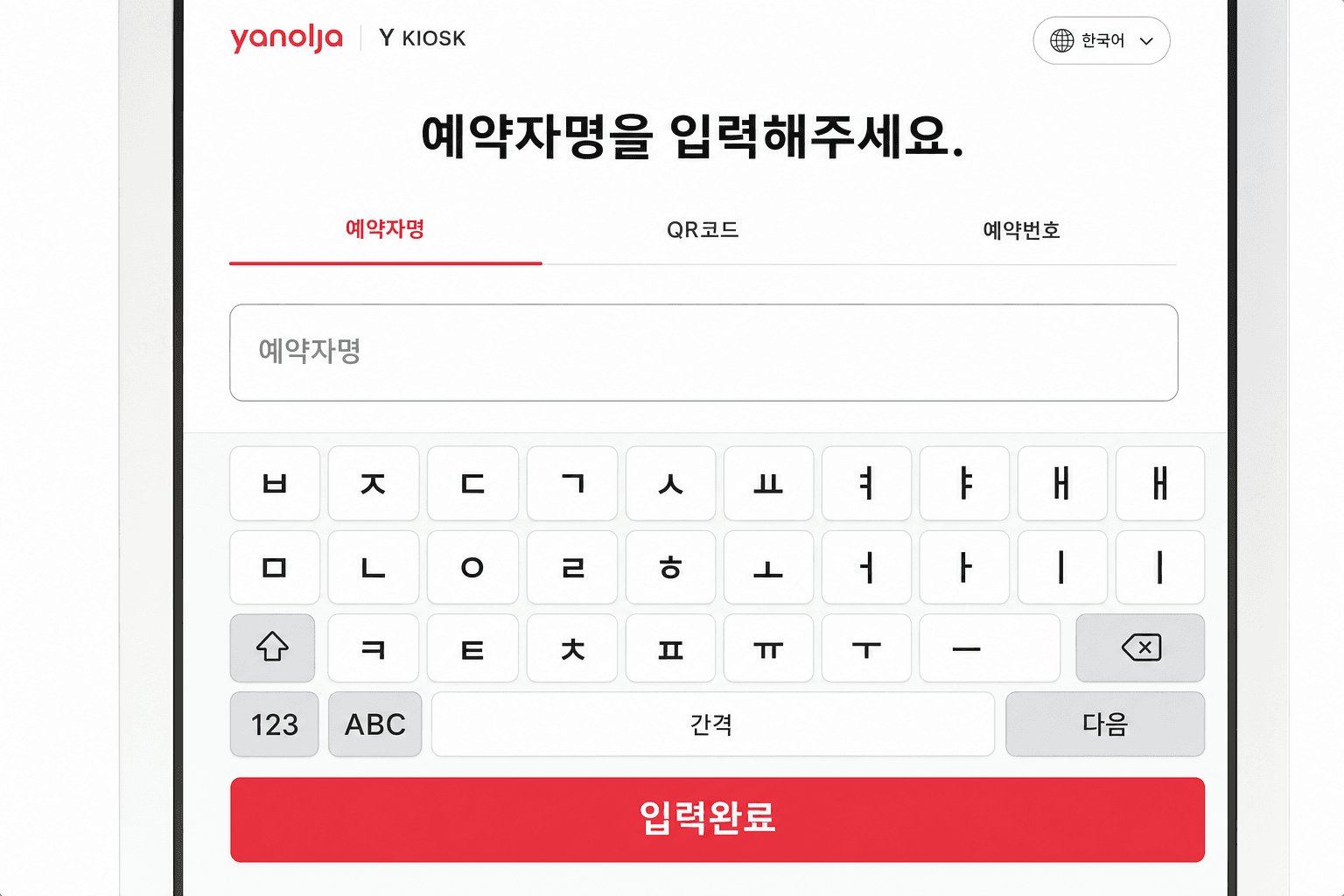
Example booking lookup screen
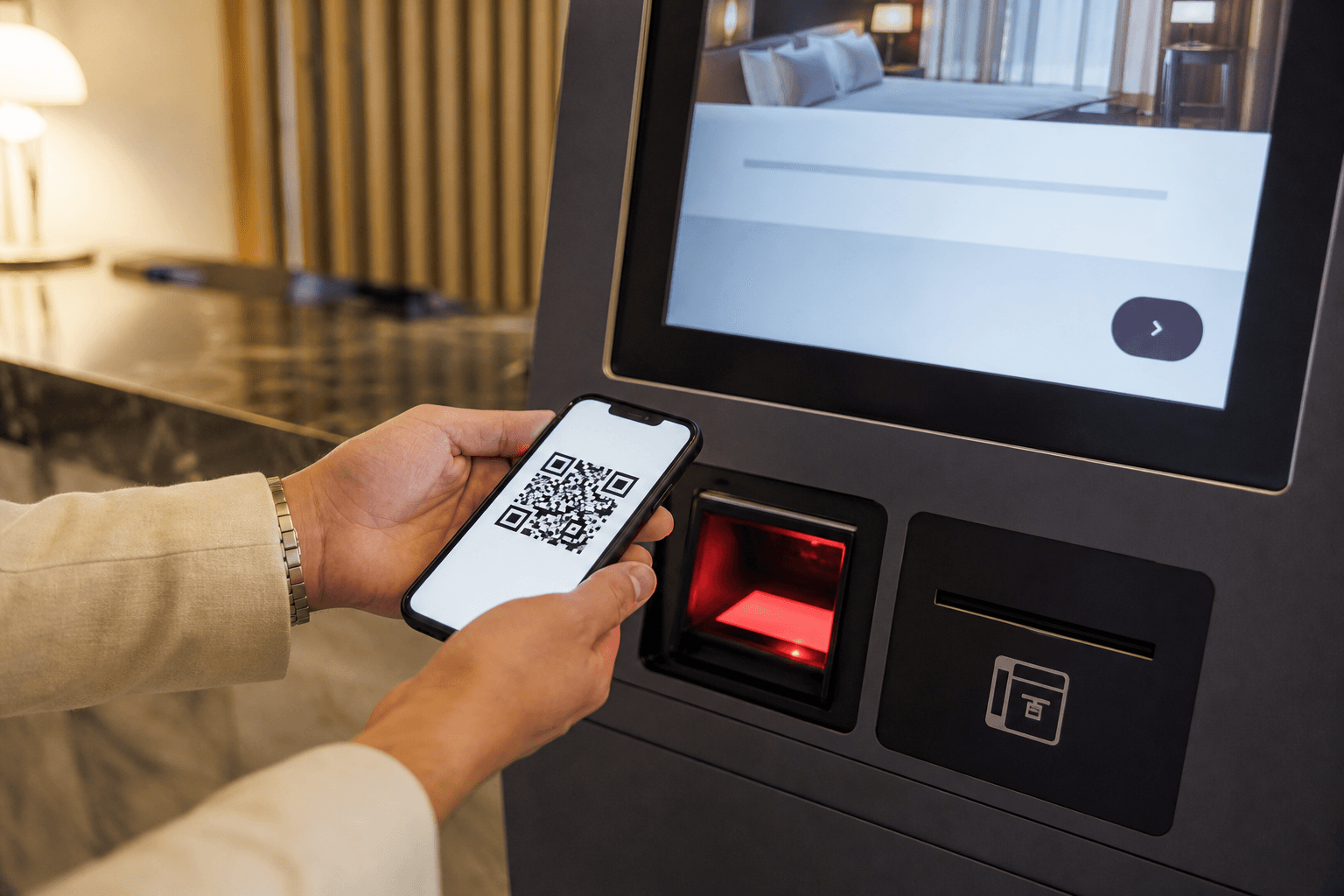
On site: scan booking QR
2. Find your reservation
Scan your booking QR code, or enter reservation number / name (and phone if asked).
- -Increase phone brightness if QR fails.
- -Use the number shown in your confirmation message.
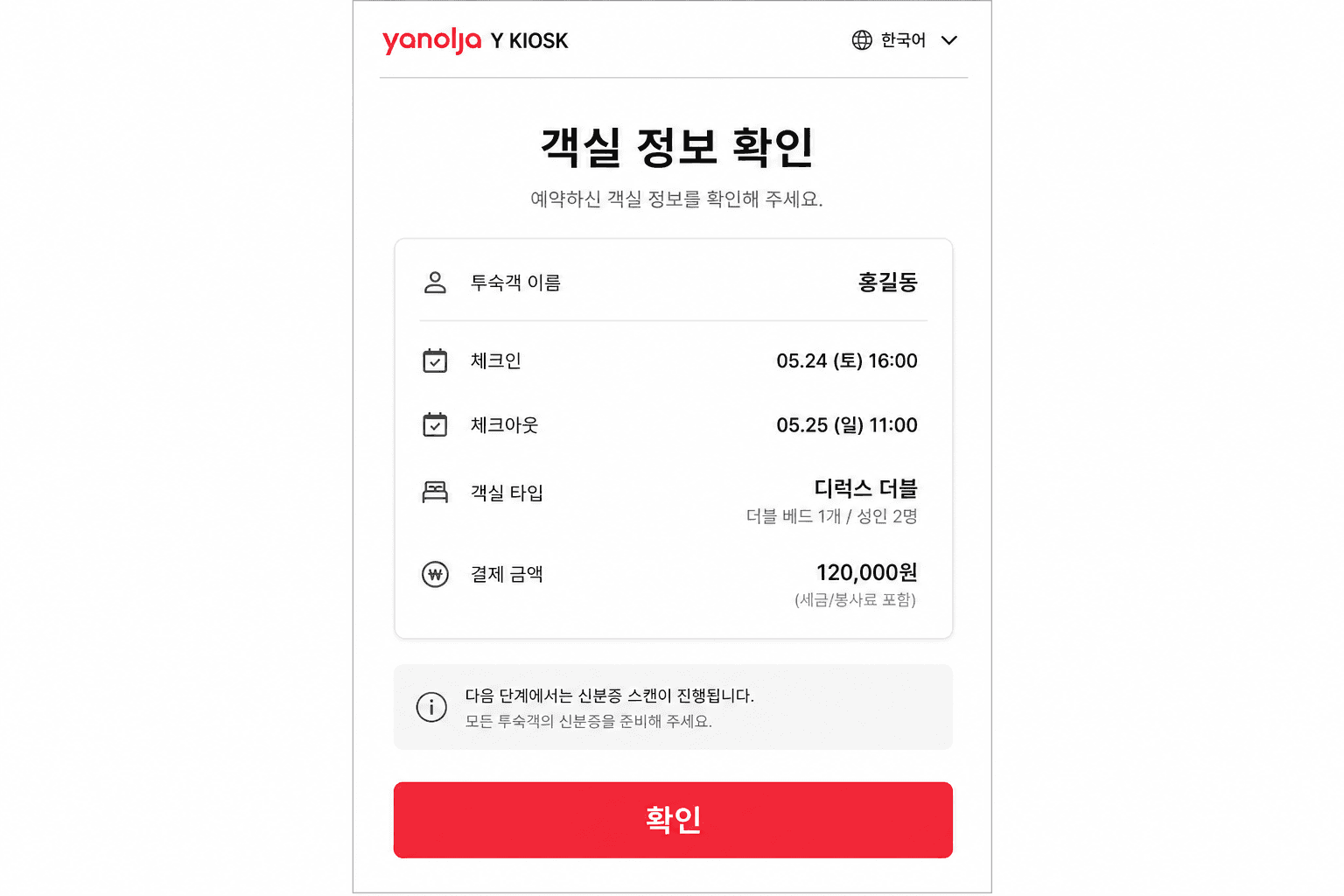
Example stay confirmation screen
3. Confirm stay details
Check dates, room type, guests, and payment status, then confirm.
- -If anything looks wrong, stop and call the hotel.
Hold your ID to the bottom-right camera — do not insert it into a slot
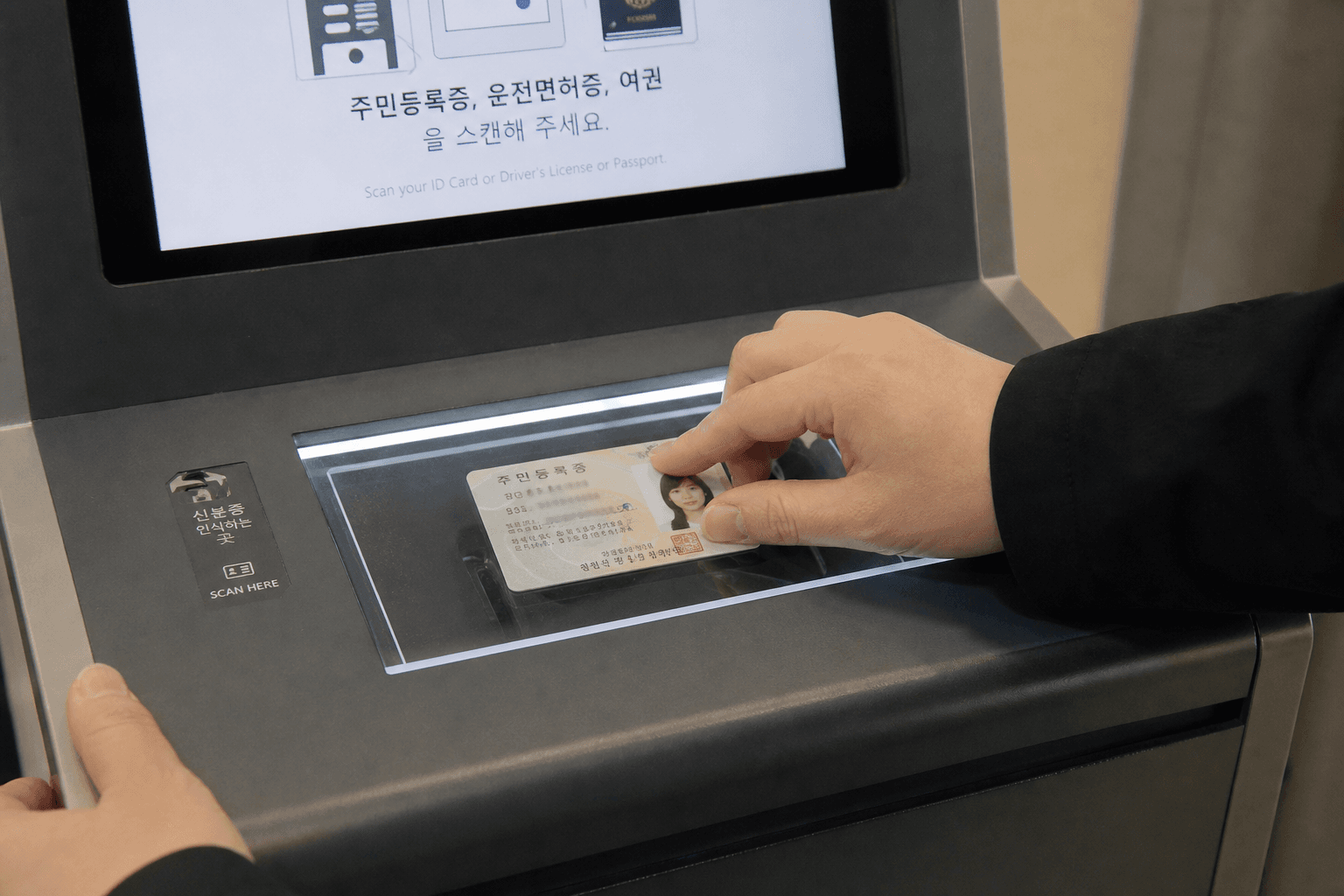
Reference — Hotel AMY uses bottom-right camera OCR (some stock photos may show other scan styles)
4. Hold your ID up to the camera
After confirming the room, verify your ID. The ID camera is at the bottom-right of the kiosk screen. Hold your ID or passport to that camera until the text and photo appear clearly and recognition finishes. This is not a slot-insert method.
- -Accepted: resident ID, driver’s license, passport (foreign guests), mobile (electronic) ID
- -Camera location: bottom-right of the screen
- -Hold the card steady and face-on; avoid glare
- -For passports, show the photo page and the bottom MRZ line
- -Mobile ID: open the QR in PASS / Mobile ID apps and hold it to the same bottom-right camera
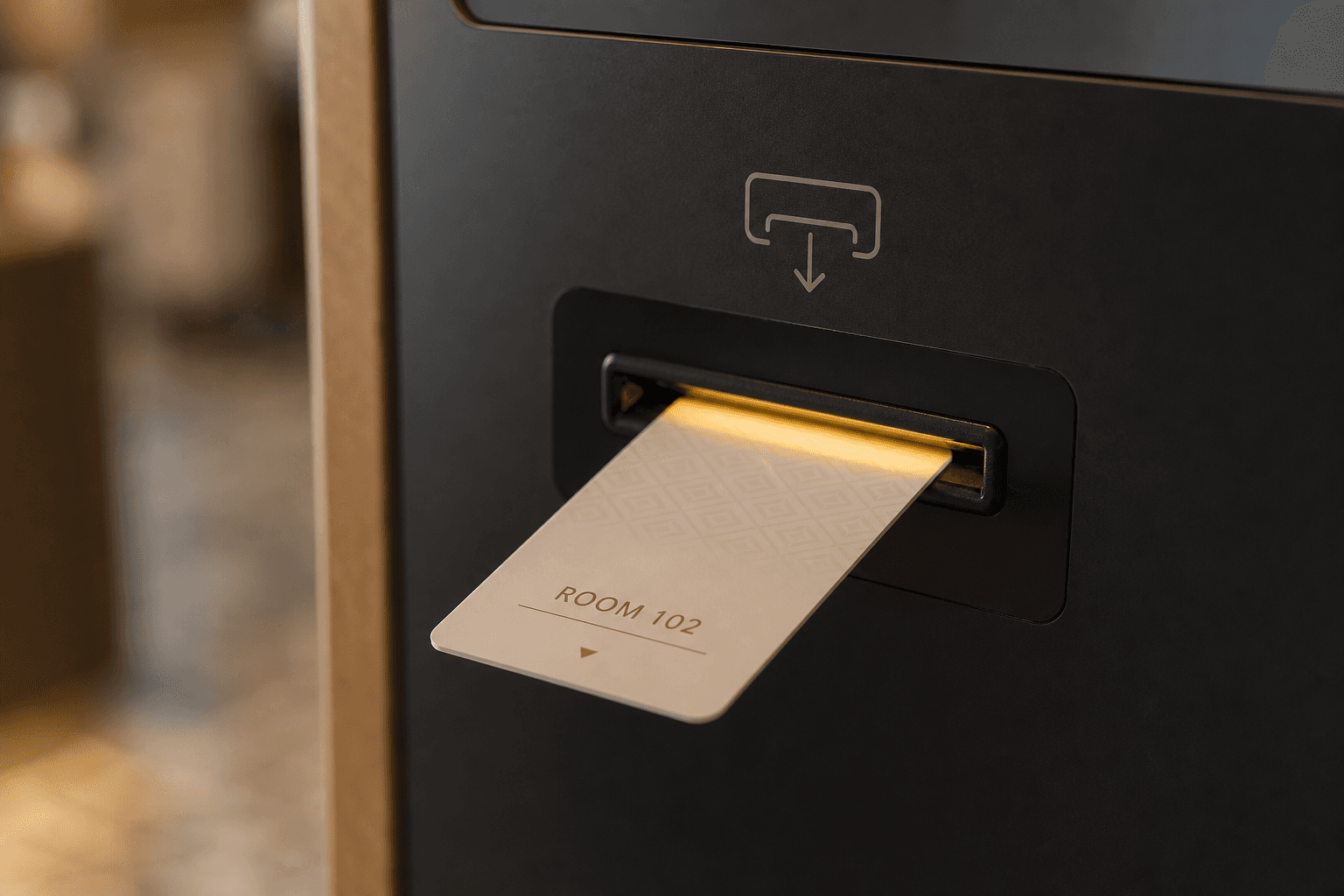
5. Collect your key card
When verification finishes, take the key card and go to the room number shown on screen.
- -If no card comes out, look for reissue options or call the hotel.
Hold your ID up to the camera
- •Method: hold your ID/passport in front of the screen camera so the details appear on screen — do not insert it into a slot
- •Korean guests: resident ID, driver’s license, or mobile driver’s license
- •Foreign guests: passport
- •ID name should match the booking name
- •Minors-only stays may be blocked at the kiosk
FAQ
Q.QR code won’t scan.▼
Q.Reservation not found.▼
Q.ID not recognized.▼
Q.Where do I insert my ID?▼
Q.Arrived before check-in time?▼
Q.No key card / door won’t open.▼
Q.Name on booking and ID differ.▼
Q.How do I check out?▼
Q.I only have a passport.▼
Need help at night? (22:00–10:00)
If check-in fails or ID recognition keeps failing overnight, you can get help right away:
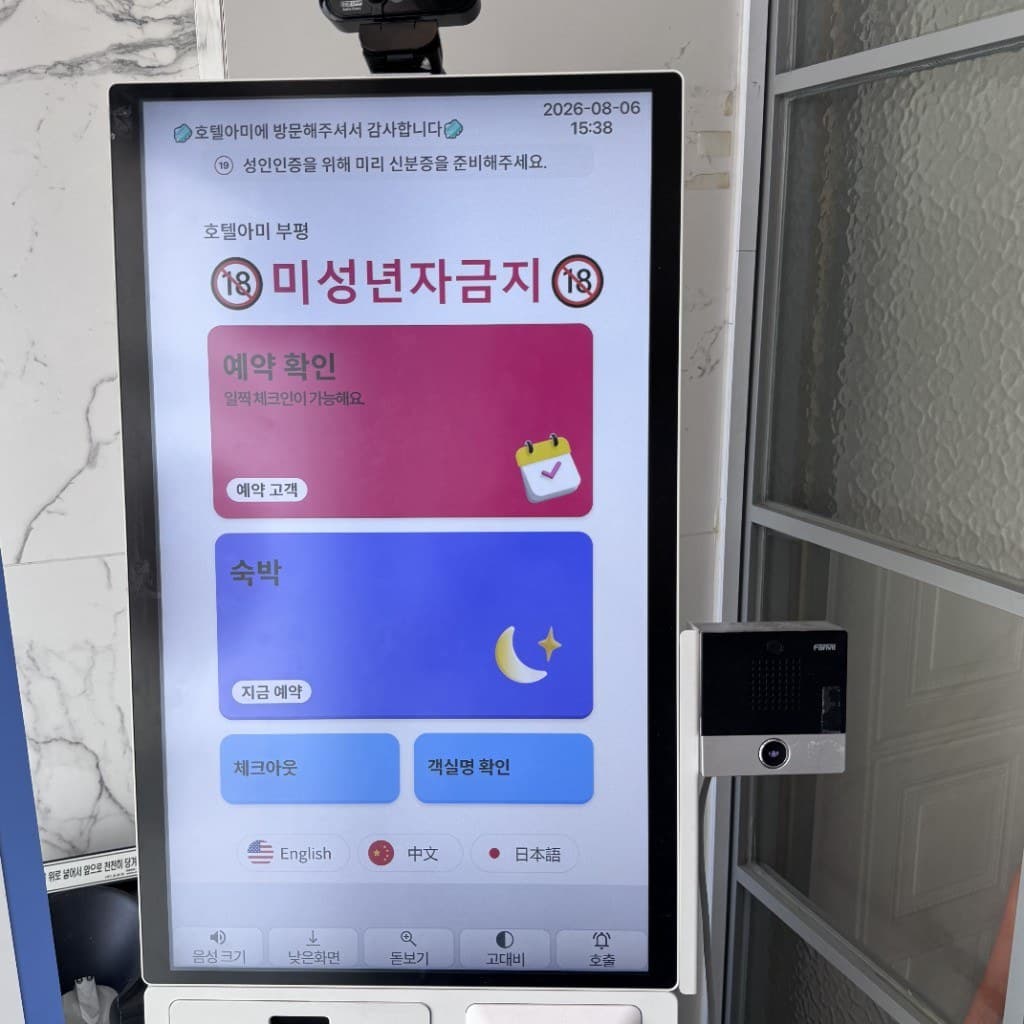
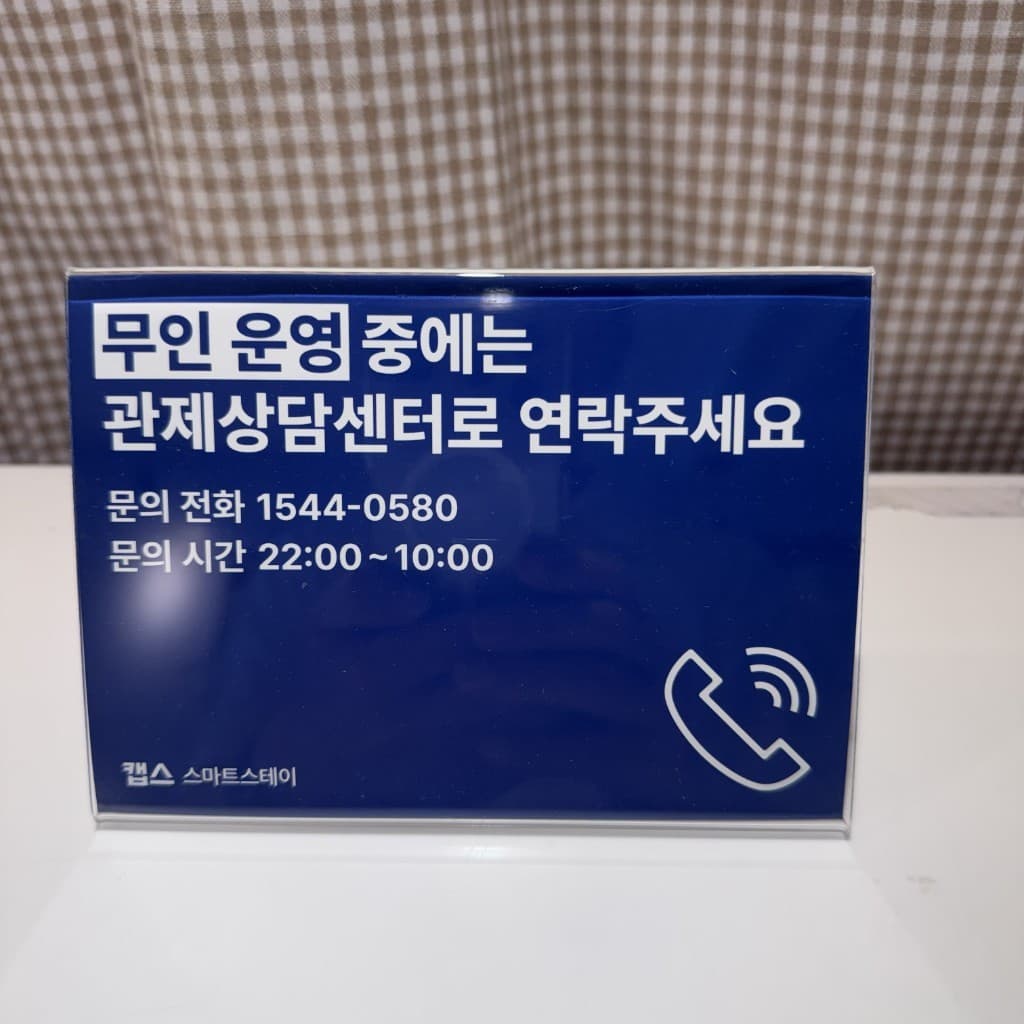
Left: lobby kiosk (on-screen Call + intercom). Right: CAPS Smart Stay control center notice (1544-0580, 22:00–10:00).
① On-screen “Call” button
Tap Call at the bottom of the kiosk screen to connect to the control center live.
② Intercom beside the kiosk
Press the button on the black intercom unit (call button, camera, speaker) next to the kiosk.
③ Phone
Call CAPS Smart Stay control center. Don’t worry — just reach out.
Control center: 1544-0580
Hours: 22:00–10:00
※ For non-urgent room issues (towels, amenities, repairs), use Digital Concierge → Report a room issue. The control center handles urgent check-in/security problems.
Need help?
For daytime or general questions, call 032-724-9879 or use the contact form. For urgent overnight check-in issues (22:00–10:00), use the control center / intercom above.
※ Hotel AMY’s kiosk verifies ID by holding it up to the camera (OCR). Some demo images may show other scan styles—follow the on-screen prompts.
Back to rooms